








Chummie Pro Bedside Bedwetting Alarm
Price range: $94.99 through $114.99
In Stock. Qualifies for FREE SHIPPING.
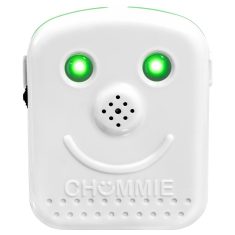
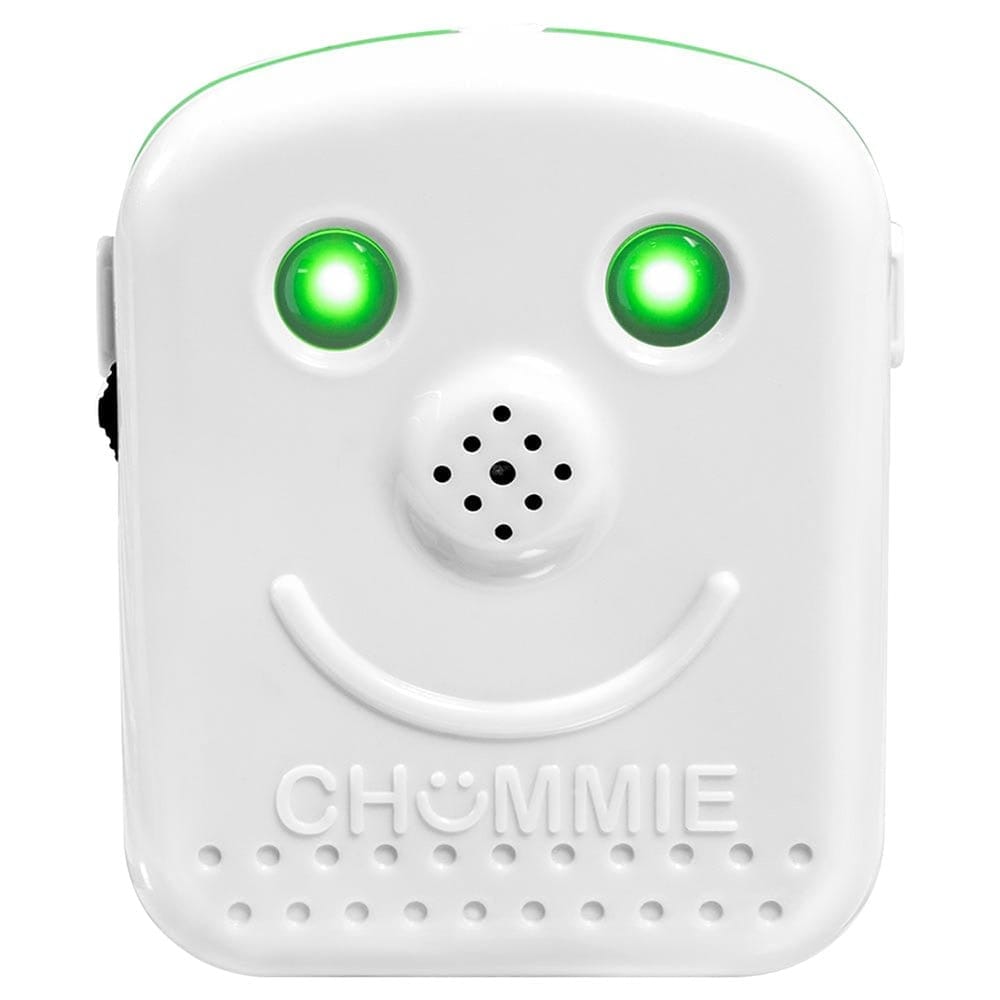
A bedside bedwetting alarm for children, teens, and adults who prefer a sensor they don’t have to wear.
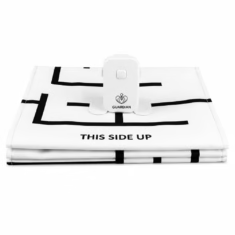
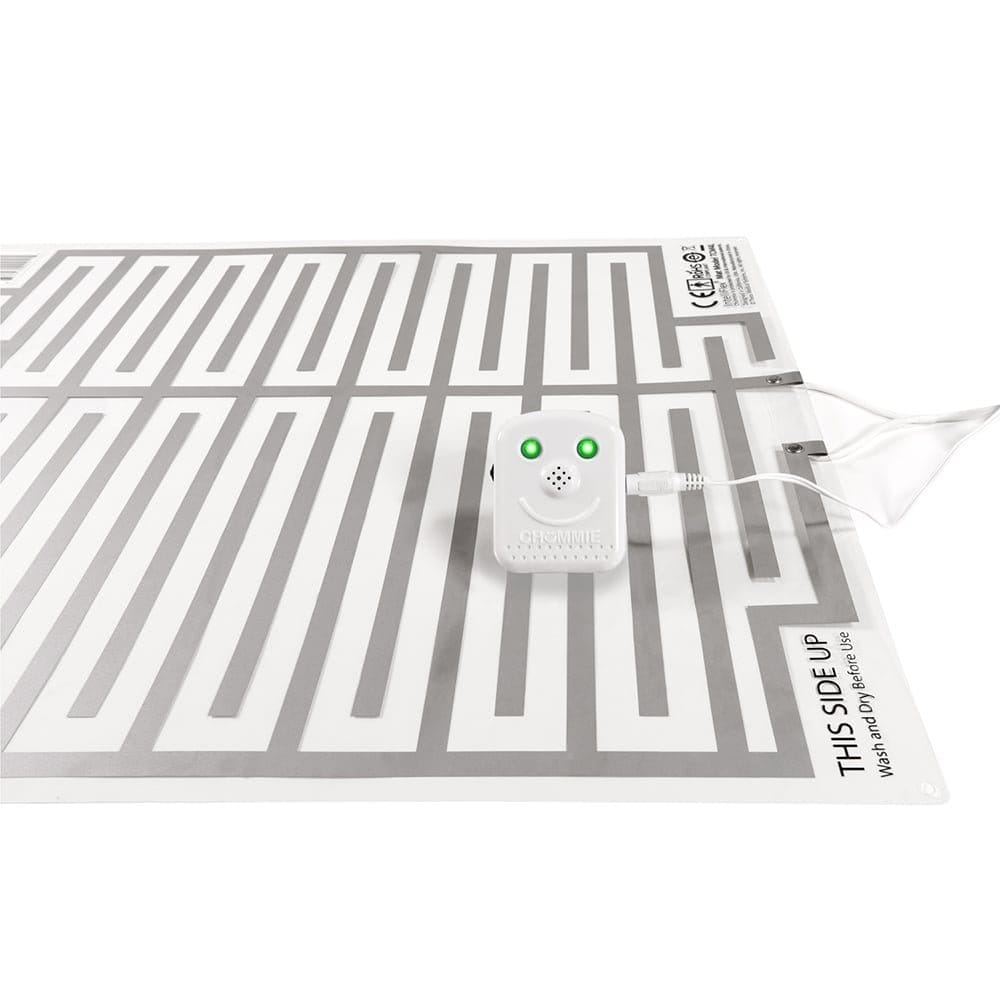
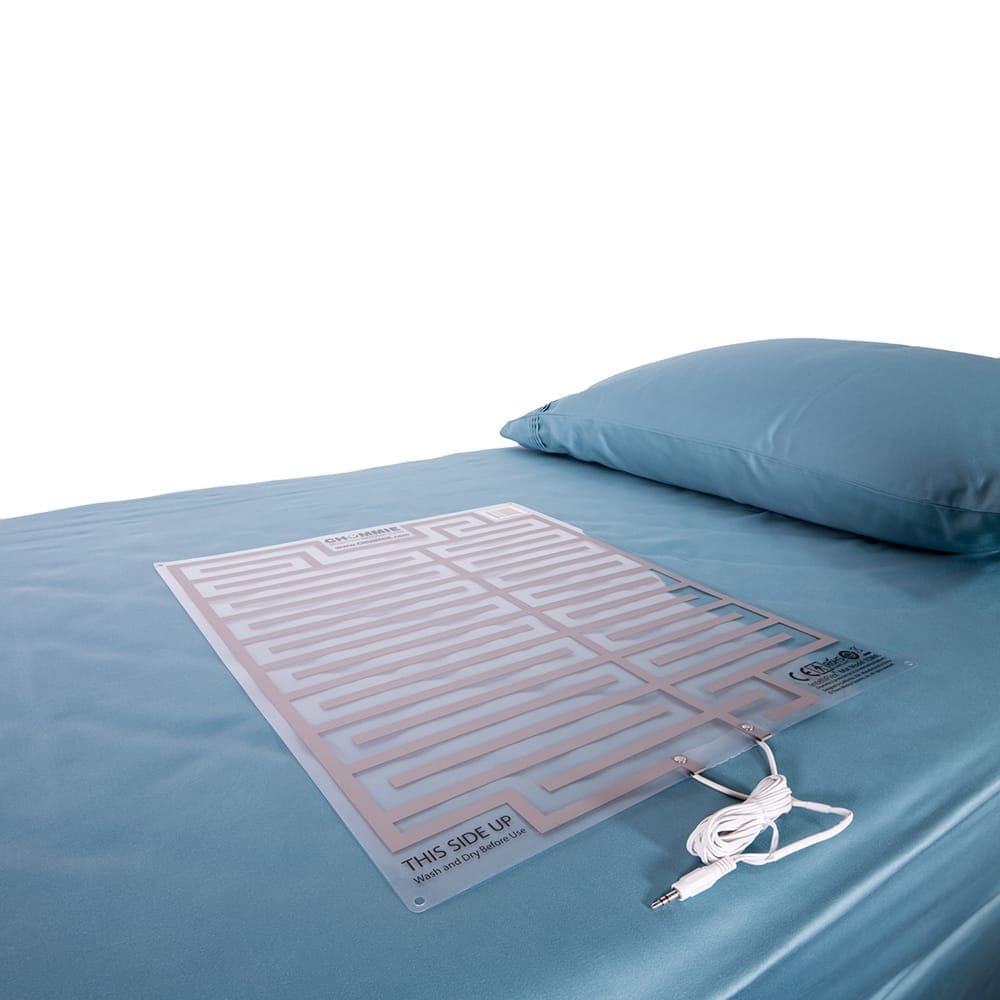
The reusable IntelliFlex® mat sits beneath a sheet and connects to the bedside alarm with a 10-foot cord.
- Reusable 21 × 17-inch mat. Includes a washable cloth sleeve.
- 10-foot cord. Place the alarm within reach on a bedside table.
- Adjustable alerts. Choose from eight tones and two volume levels, with lights and optional vibration.
- Two-step shutoff. Press the enable button to pause the alert, then unplug the mat to stop it.
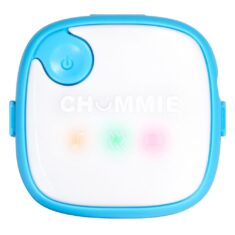
- Color and mat options. Choose blue, green, or pink and one or two IntelliFlex mats. The alarm unit has a one-year limited manufacturer warranty.
| Recommended for: |  Children |
Teens |
Deep Sleepers |
Adults |
 Play Alert Tones
 Why buy from us
 LARGE SELECTION
 EFFECTIVE ALARMS
 FAST SHIPPING
 SPECIALIST SUPPORT
Using the Chummie Pro Bedside Bedwetting Alarm

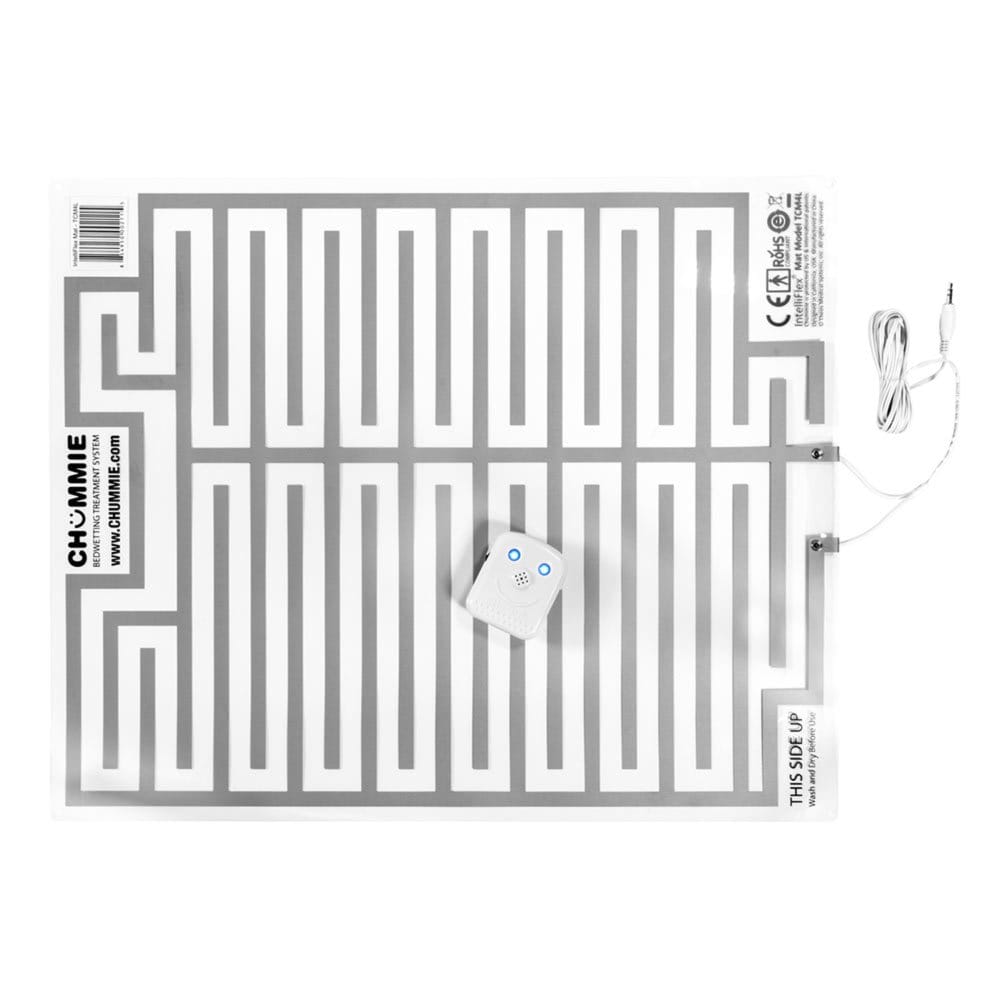
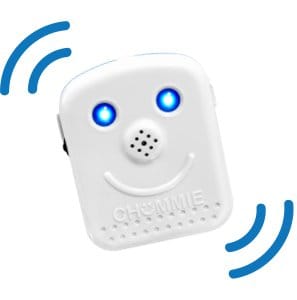



Box Contents Chummie Pro alarm unit, IntelliFlex® mat in the selected quantity, washable mat sleeve, snap-on clip, 10-foot mat cord, two AAA batteries, progress chart, user manual, achievement certificate, and registration card. 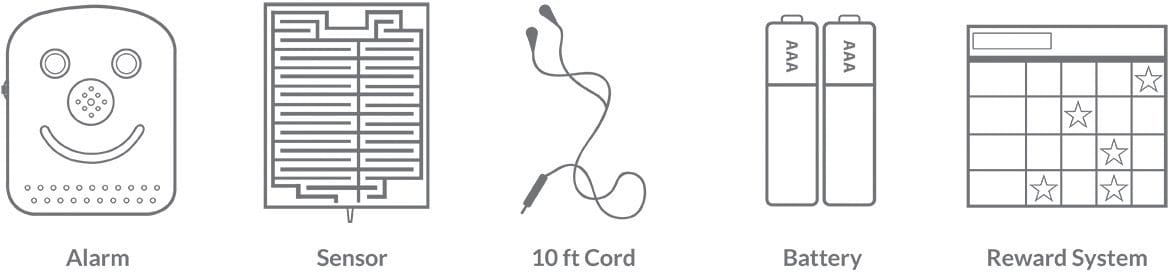
Chummie Pro uses a reusable 21 × 17-inch sensing mat connected to a bedside alarm. Put the mat in its sleeve under a dry sheet. The 10-foot cord lets you place the alarm where the sleeper or caregiver can reach it.
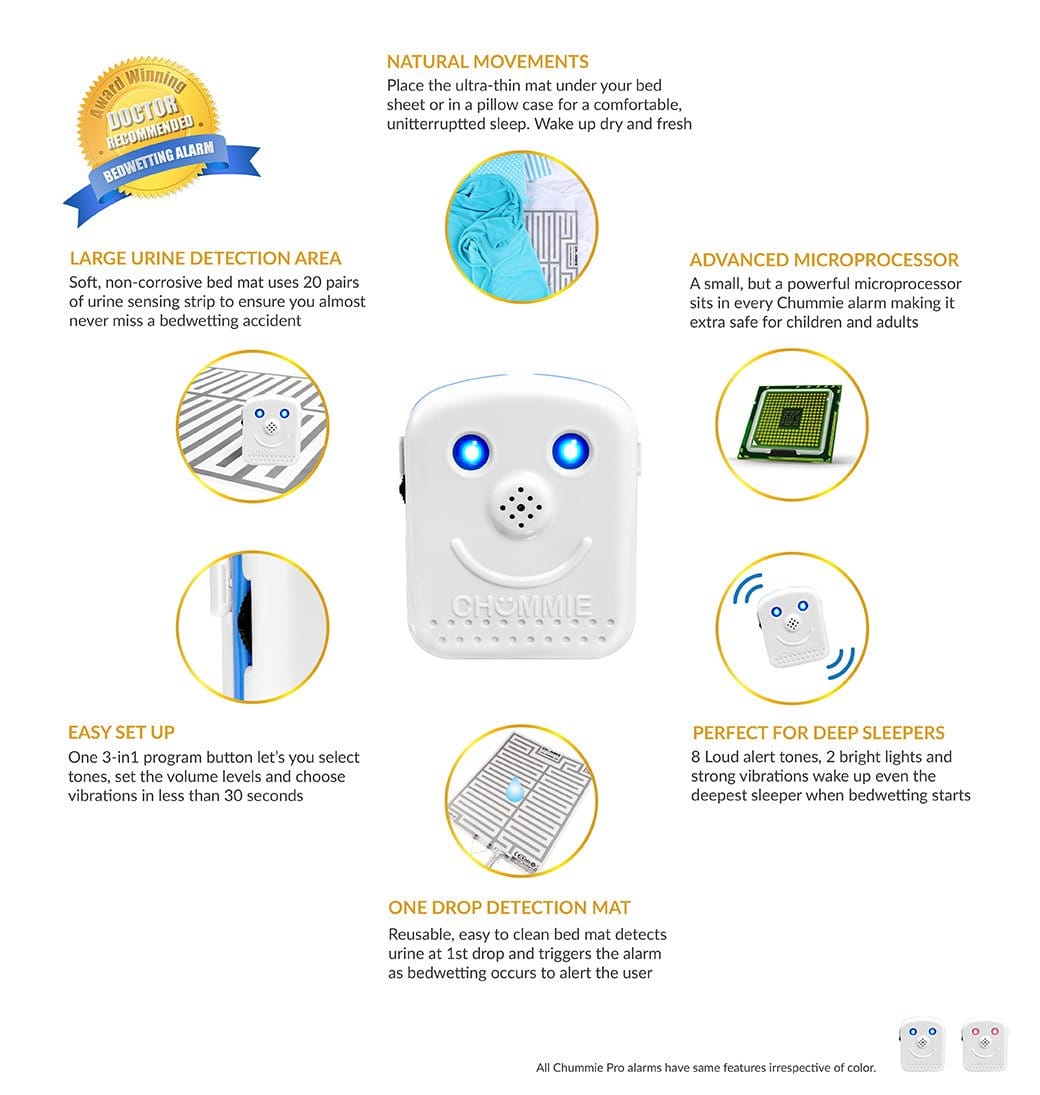




Check where the sleeper usually lies before choosing a place for the mat. It senses moisture in the area it covers. If your child moves around the bed, check the position at bedtime and make sure the mat stays flat.
Practice the alert and the two-step shutoff together. Keep a dry sheet and a cloth within reach so you can clean the mat and reset it at night. The Chummie Pro setup and support page explains what to do if the mat triggers from perspiration or the alarm signals a connection or battery issue.
| Manufacturer | Theos Medical Systems, Inc. |
| Alarm Type | Eight selectable tones, two volume levels, lights, adjustable vibration, and a silent setting |
| Sensor Type | Reusable IntelliFlex® moisture-sensing mat |
| Alarm Dimension (Approx) | Alarm unit – 2.6″ x 2.1″ x 0.7″ |
| Sensor Dimension (Approx) | 10 foot long cord. Mat dimensions – 21″ x 17″ x 0.1″ |
| Batteries | 2 AAA Batteries (included) |
| Product Series | TC310 Series |
| Color | Green, Blue, Pink |
| Alarm Special Instructions | After a wetting event, wipe the mat with a damp cloth and pat dry. Keep the plug and alarm unit dry. |
| Setup and Troubleshooting | Chummie Pro setup and support |
| Warranty | One-year limited manufacturer warranty on the alarm unit and 90 days on the mat |
| Customer Support | Email, Phone or Live Chat with a Bedwetting Specialist |
| Order by Phone | Help placing an order, with a live representative. Call (800) 230-6775 |
How do I set up the mat on the bed?
Put the mat in its sleeve, lay it flat with the printed sensing side up, and secure the corners as directed in the manual. Cover it with a dry sheet. Keep the alarm on a nearby surface where the sleeper or caregiver can reach it.
How do I clean the IntelliFlex mat?
Wipe it gently with a damp cotton cloth, then pat it dry. Keep the plug dry and skip soap and detergent.
Can perspiration trigger the alarm?
Yes. Place the mat in its cloth sleeve and cover it with a dry sheet to prevent direct skin contact. Plug the mat in when ready to monitor. The alarm beeps twice to confirm the connection.
Where can I buy a replacement mat?
Order a replacement IntelliFlex mat online or call 1-877-834-4107 to order by phone.
What should I do with the alarm during the day?
Unplug the mat from the alarm unit. The unit beeps once and goes into standby to conserve battery power.
Do I need a sheet over the mat?
Yes. Put the mat in the cloth sleeve and lay a dry sheet over it. Keeping skin off the mat helps avoid alerts caused by perspiration.
Can I reuse the mat the same night?
Yes. After wiping it with a damp cloth, pat the mat dry before reconnecting it. Keep it out of standing water and keep the plug dry. Replace any wet bedding before restarting.
Can I use a waterproof mattress overlay?
Yes. Place the waterproof overlay beneath the sensing mat and a dry sheet above it. A waterproof layer above the sensing mat would keep moisture from reaching it.
Can two children use the same mat?
Use a separate mat for each child for hygiene. The mat comes into contact with urine. An additional replacement IntelliFlex mat is available separately.
How do I stop the alarm after it goes off?
Press the enable button to pause the alert for one minute. Then unplug the mat to stop the alert and put the alarm into standby. Clean and dry the mat and reconnect it when you’re ready to resume.