











Chummie Elite Bedwetting Alarm
Original price was: $100.00.$69.99Current price is: $69.99.
In Stock. Qualifies for FREE SHIPPING.
A wearable bedwetting alarm for children ages 4 and up, including deep sleepers.
The soft IntelliFlex sensor sits flat against the outside of underwear.
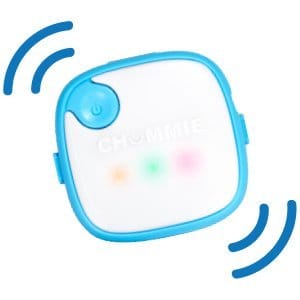
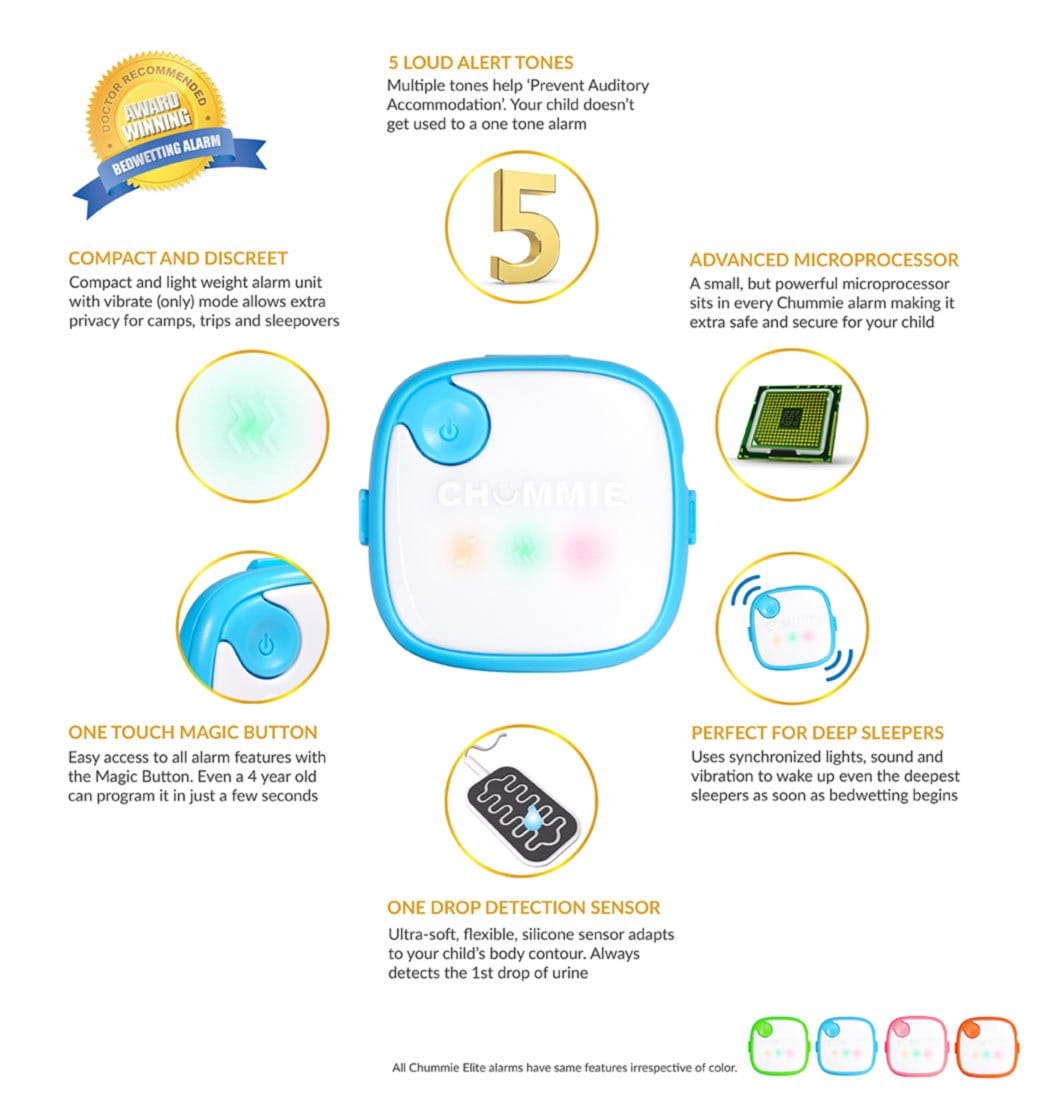
- Five cycling tones and two lights provide audible and visual cues when the sensor detects moisture.
- Three alert modes let you choose sound only, vibration only, or both. Try the discreet vibration mode for sleepovers.
- Soft IntelliFlex sensor with One Drop Detection® attaches with included Flexitape and rinses clean for reuse.
- Two-step shutoff uses the sensor plug and program switch. The alarm also signals a low battery or disconnected sensor.
- Compact alarm in Blue, Green, Orange, or Pink includes a snap-on clip, two AAA batteries, and a one-year limited warranty on the alarm unit.
| Recommended for: |  Children |
Teens |
Deep Sleepers |
 Play Alert Tones
 Why buy from us
 LARGE SELECTION
 EFFECTIVE ALARMS
 FAST SHIPPING
 SPECIALIST SUPPORT

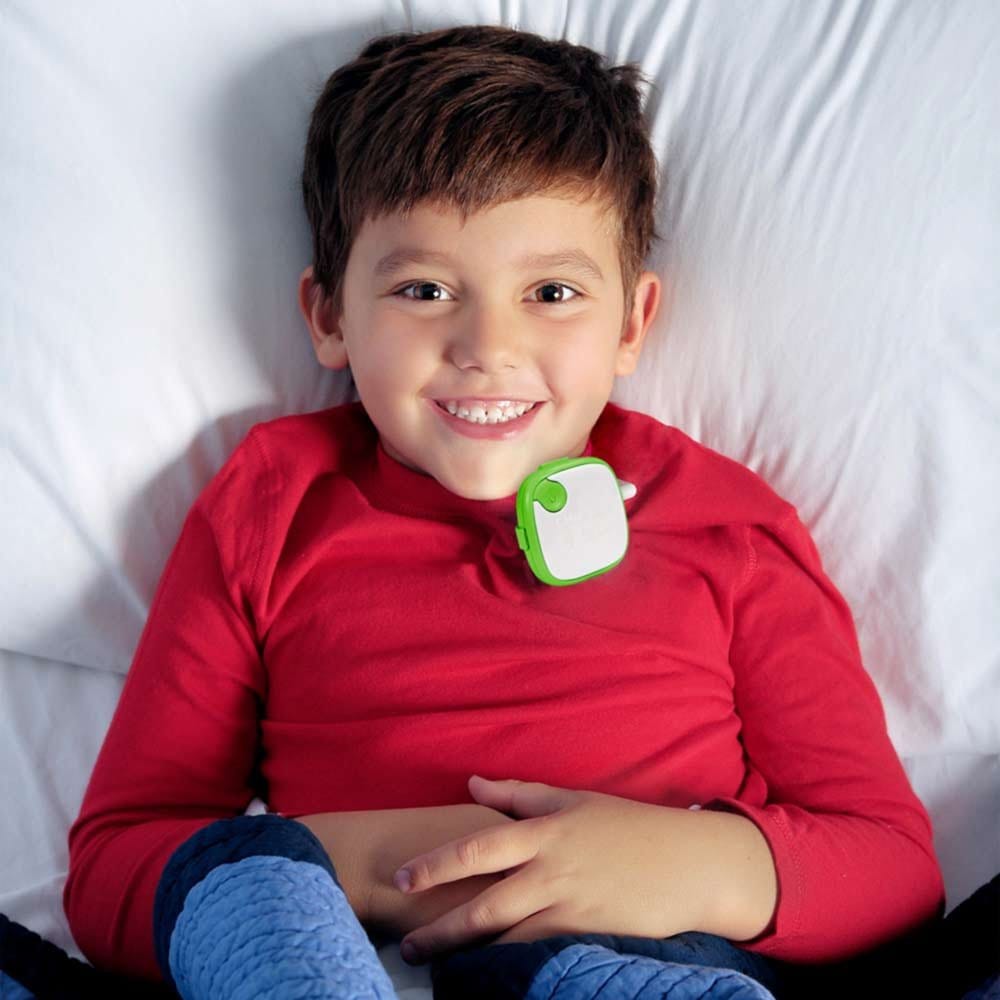



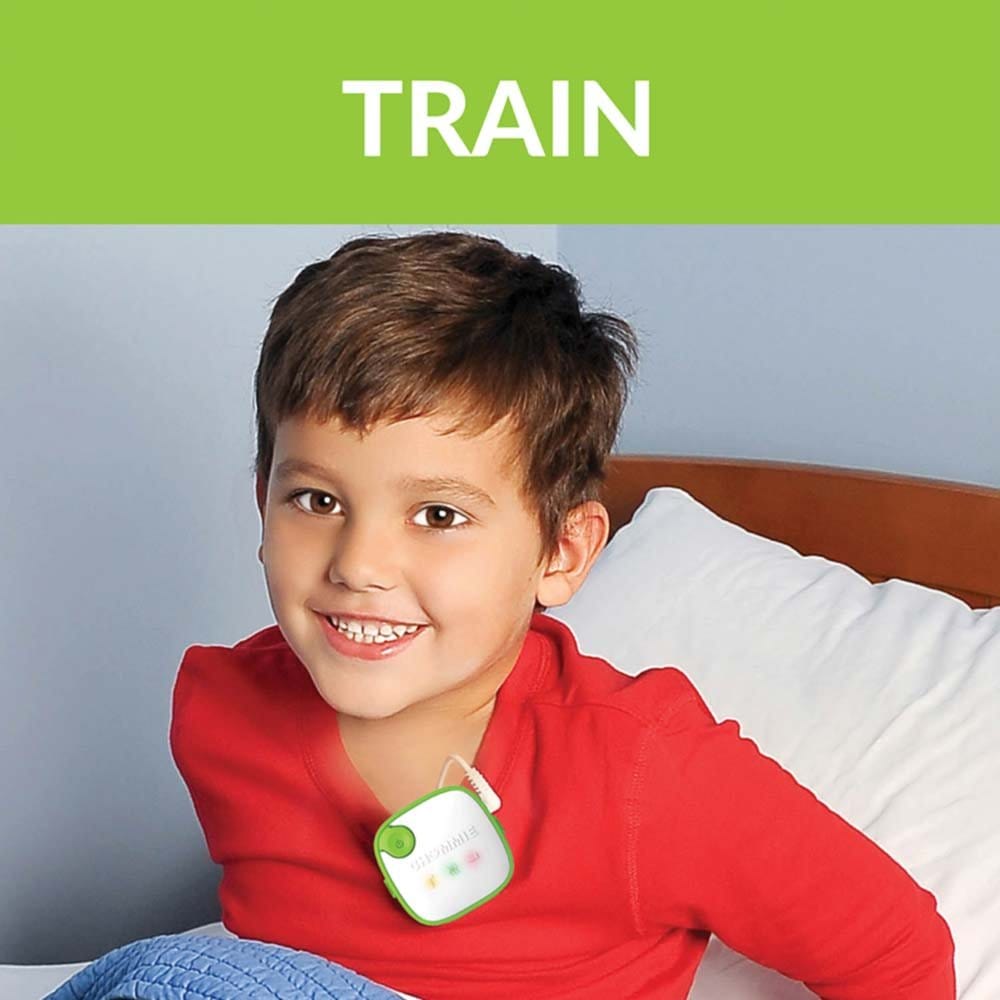
What Comes in the Box The kit includes the Chummie Elite alarm, IntelliFlex sensor, snap-on clip, Flexitape, two AAA batteries, user manual, progress chart, and warranty card. The clip holds the alarm at the pajama neckline, and the tape secures the separate sensor to underwear. 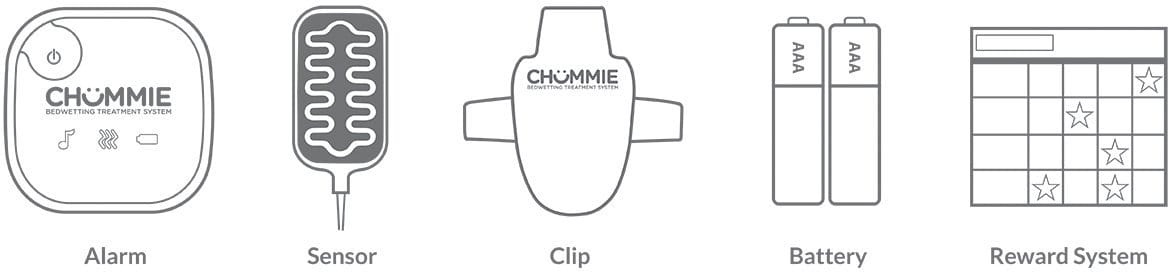
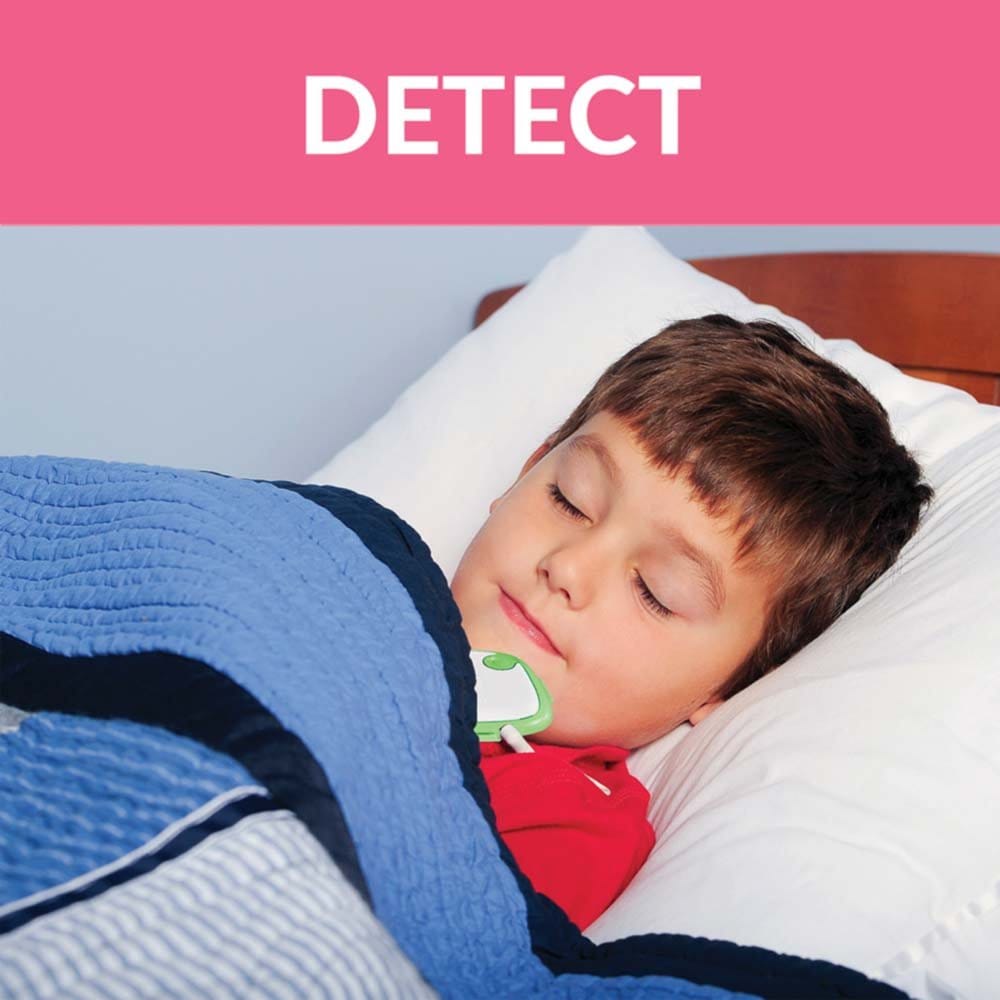


Start with a daytime practice run. Check how the sensor sits against your child’s usual underwear and let them hear the tones and feel the vibration before bedtime.
The included snap-on clip holds the unit at the pajama neckline. The optional Comfy-Armband™ is available separately if your child prefers an upper-arm fit.
Keep spare underwear and Flexitapes within reach so you can reset the alarm after an alert. For help with setup, call (800) 230-6775.
| Manufacturer | Theos Medical Systems |
| Alarm Type | 5 cycling tones, vibration, and lights |
| Sensor Type | Flat IntelliFlex silicone moisture sensor |
| Alarm Dimension (Approx) | Alarm unit – 2.3″ x 2.3″ x 0.7″ |
| Sensor Dimension (Approx) | 26.5” long cord. Sensor Dimensions – 2.3″ x 1.4″ x 0.14″ |
| Batteries | 2 AAA batteries included |
| Product Series | TCE25 Series |
| Color | Green, Blue, Orange, Pink |
| Special Instructions | Rinse both sides of the unplugged sensor with warm water and pat dry before reconnecting. Keep the alarm unit dry. |
| Mobile App | Free Chummie App with Award Winning Customer Support |
| Warranty | One-year limited warranty on the alarm unit and three months on the sensor |
| Customer Support | Email, Phone, or Live Chat with a Bedwetting Specialist |
| Order by Phone | Help placing an order, with a live representative. Call (800) 230-6775 |
How can I track progress?
Use the included chart to record wet and dry nights and note changes such as waking sooner. The Elite manual uses at least 14 dry nights in a row as the point to consider ending the alarm routine.
How can I extend battery life?
Unplug the sensor from the alarm unit when storing it during the day. Elite uses two AAA batteries.
Can my child use Elite if they take medication?
Ask your child’s clinician how to use the alarm alongside their current care. Follow their advice about any prescribed medication.
How long is the sensor cord?
It is about 26.5 inches long. Measure from the underwear to the pajama neckline before buying if you’re unsure whether the cord will reach comfortably.
Can Elite be used with pull-ups?
Wear regular underwear under the pull-up. Tape the sensor to the outside of the underwear with its black face against the fabric, then wear the pull-up over it.
What if bedwetting starts again after dry nights?
You can revisit the setup and routine with your child. If bedwetting returns after a sustained dry period, ask your child’s clinician for guidance.
Can another child use the same alarm unit?
Use a new sensor for each child. If you reuse the alarm unit, clean it as directed in the manual and keep it dry.
How do I stop the alert and reset Elite?
Unplug the sensor and briefly press the program switch. Change into dry clothing, rinse and dry the sensor, and reconnect it. Two beeps confirm the connection.
You may also like…
-

 Select options This product has multiple variants. The options may be chosen on the product page
Chummie Elite Bedwetting Alarm Starter Kit
$94.99 -

 Select options This product has multiple variants. The options may be chosen on the product page
Chummie Elite Bedwetting Alarm Bedding Kit
 Price range: $92.99 through $99.99
-

 Select options This product has multiple variants. The options may be chosen on the product page
Chummie Elite Bedwetting Alarm Watch Kit
 $124.99